

Creative Workshop

Small tools for creators. Open one and start — your work stays on your own device.

Tools

连叙 LIANXU

Where every story connects

v0.2.2

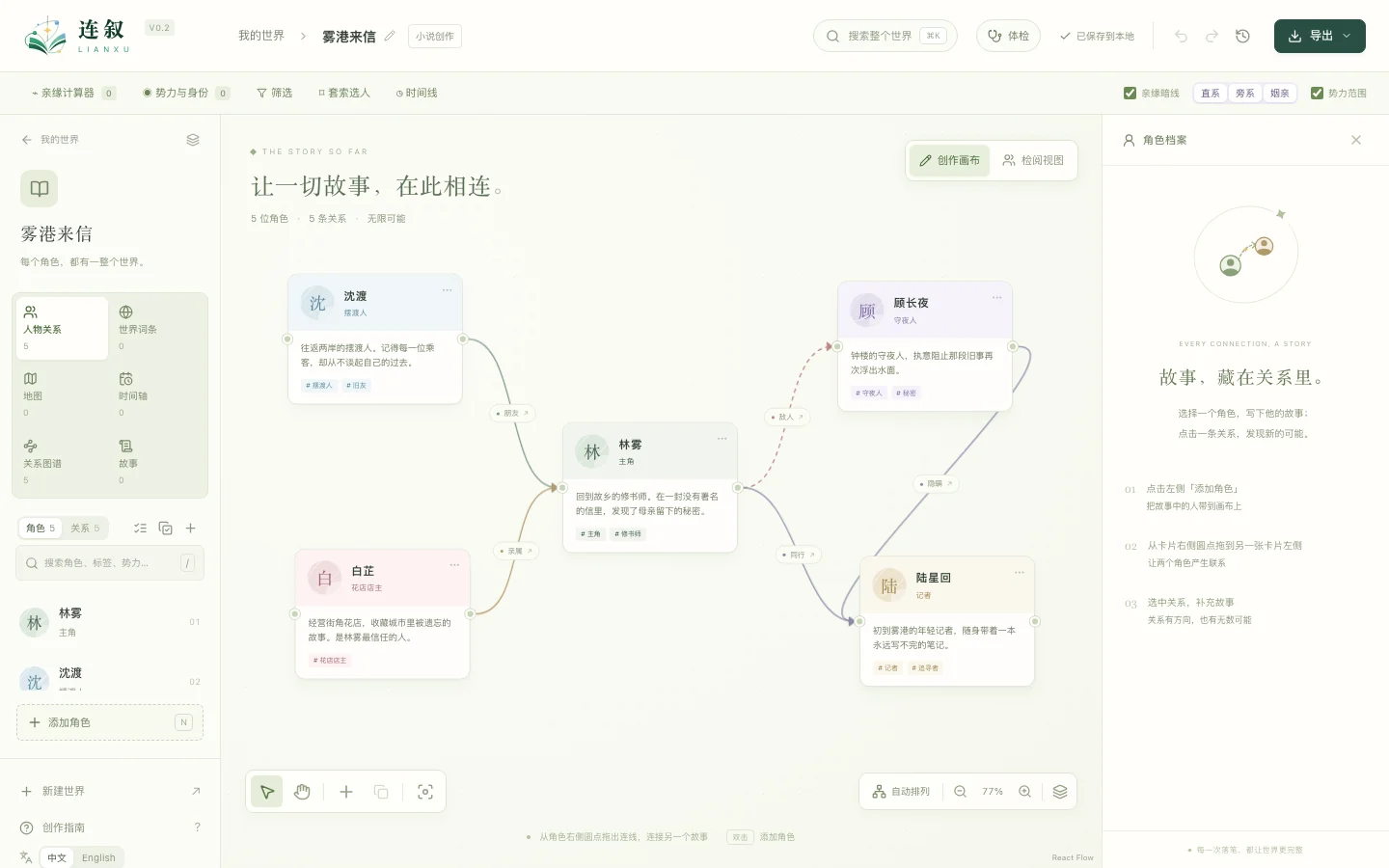
A worldbuilding tool that connects characters, worlds and stories: lay out characters and relationships on a canvas, and organise lore, factions, maps and storylines. No account needed — your work saves automatically on your device.

Interface: Simplified Chinese, English

Use online (Opens in a new tab)

Opens right in your browser. Install it to your desktop or home screen and it keeps working offline.

Download

ZIP · 0.7 MBUnzip the download and double-click “连叙.html” to open it in your browser — no installation or internet connection needed.

Your work is stored only in the browser you use. The online and downloaded versions keep separate data — move between them with a JSON backup, and back up regularly.

DocumentationLIANXU Getting Started
ReleaseCanvas

Release art workbench for games

v0.3.1

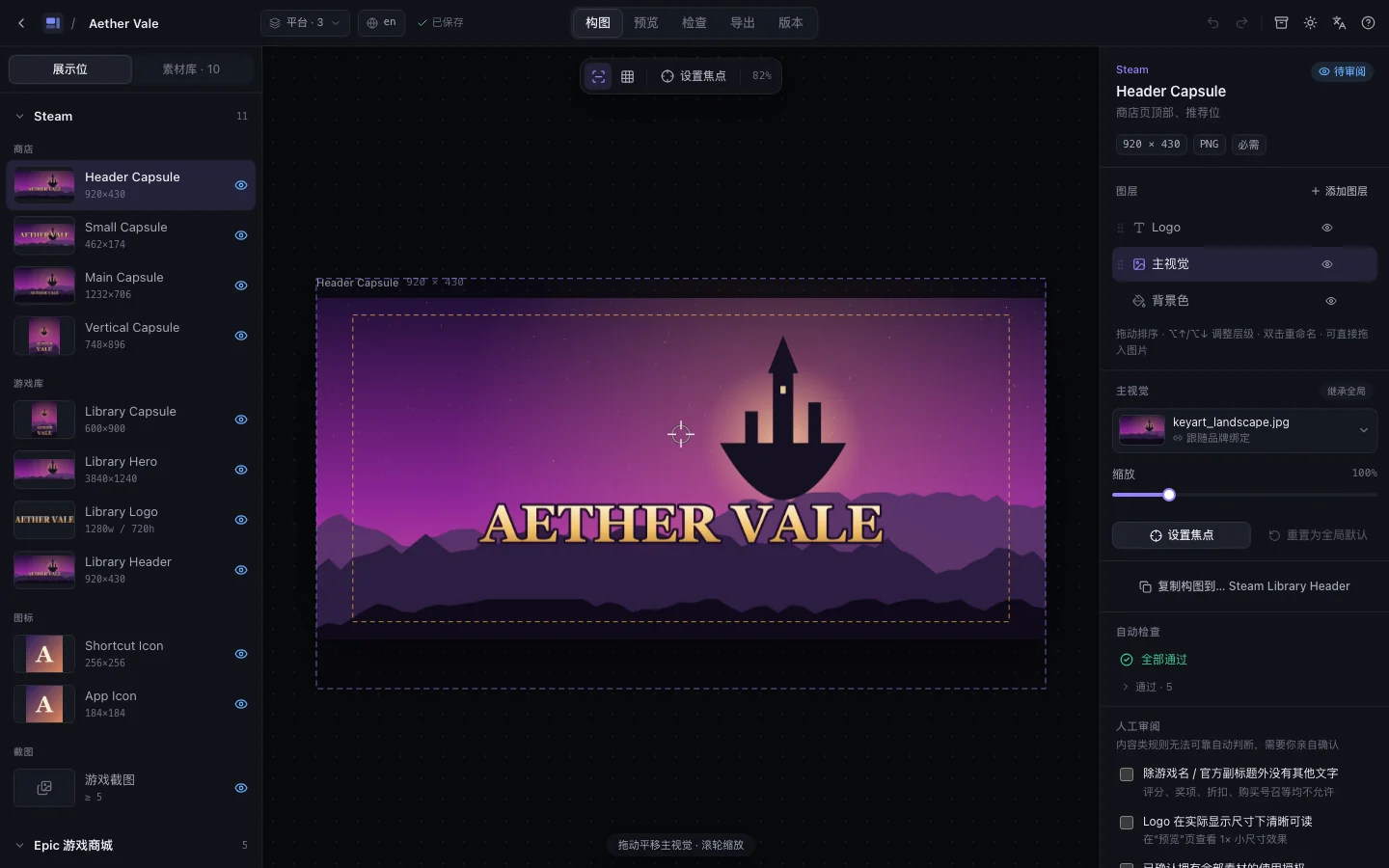
Start from one key art and lay out the full set of store and release images for Steam, the Epic Games Store, TapTap and itch.io: focus-driven framing, automatic size and file-weight checks, a manual review list, and a one-click delivery package. Your art stays in your browser and is never uploaded.

Interface: Simplified Chinese, English

Use online (Opens in a new tab)

Opens right in your browser; desktop Chrome is recommended. On a phone you can browse, preview, check and export, but fine framing works best on a computer.

This is a technical preview. It is not an official tool of Steam, Epic, TapTap or itch.io, and passing its checks does not guarantee a platform will approve your assets. Projects are stored only in the browser you use — keep a copy with “Back up project”.

AirBridge

Cross-device file drop in your browser

v1.0.1

On the same network (the same Wi‑Fi or LAN), send files and text between Windows, macOS, Linux, Android, iPhone and iPad straight from a web page. Nearby devices show up automatically, or you can pair with a QR code or a pairing code. Nothing is sent until the other side accepts, files travel device to device inside your network over encrypted WebRTC and every file is verified, and the server only helps the two devices find each other — it never receives or stores your files. No install, no account.

Interface: Simplified Chinese, English

Use online (Opens in a new tab)

Open this page in the browser on both devices to get started. You can also add it to your desktop or home screen.

Works only between devices on the same network; there are no cross-network connections or relays. Only accept files from devices you trust.

Quiz Corner

Playful quizzes, a few minutes each

Which role would you have if you worked with us? Which class would you be as a game character? Plus “24 Hours Before Launch”, a story game with seven endings to unlock. Each takes a few minutes — find out more about yourself and about what we make. No sign-up; your progress stays in your browser.

Available in Simplified Chinese only

Take a quiz (Opens in a new tab)

Works on phones and computers — just open and play.

Results are just for fun and are not used for hiring or any other assessment.

More creative tools are on the way.